
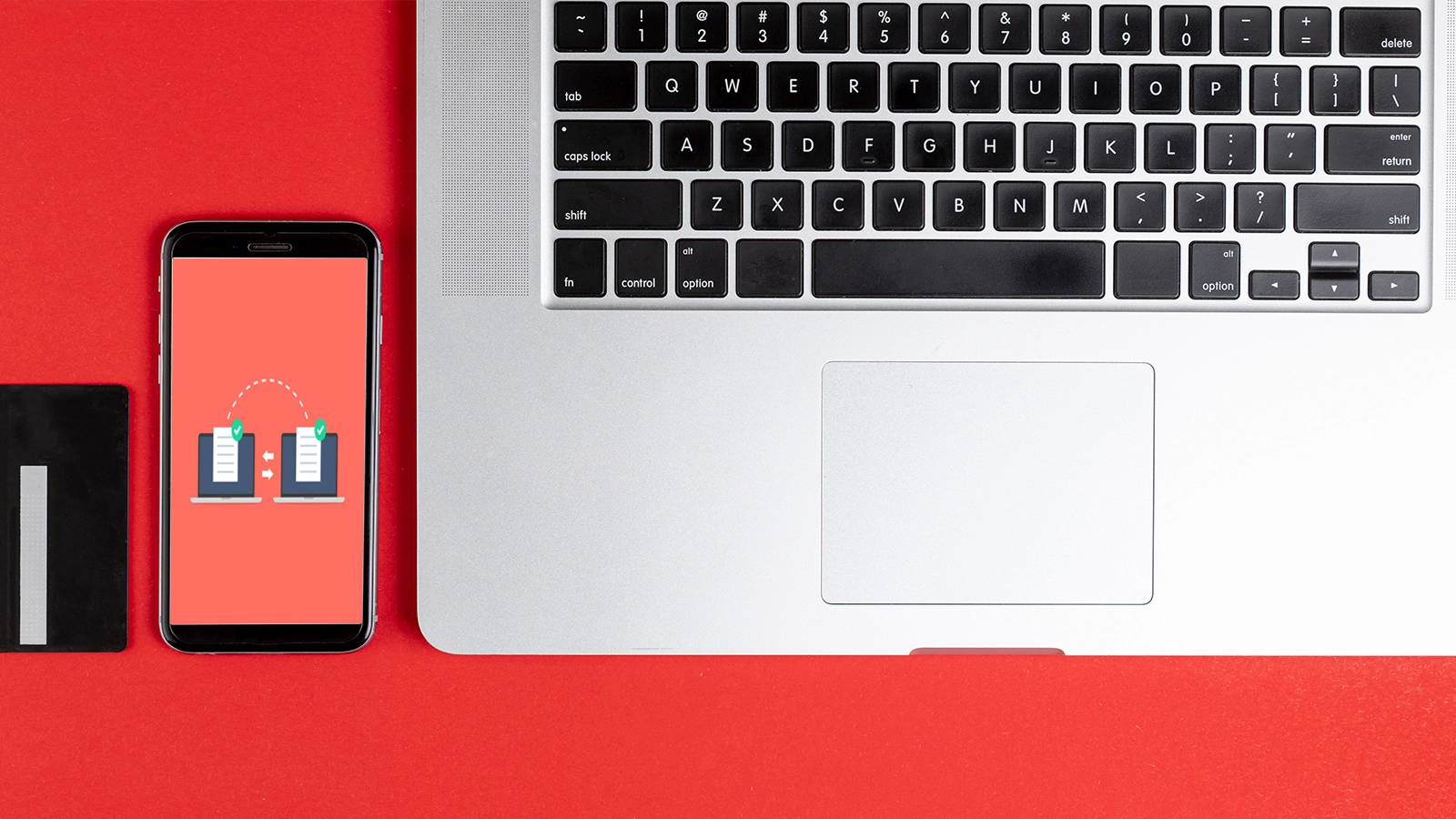
Moving photos from a phone to a laptop can be done several ways. The best method depends on how many files you have and whether you prefer a cable or cloud storage.
Use a USB cable
Connect the phone to the laptop with a compatible data cable and unlock the phone.
On many devices, you may need to approve file access or choose a file-transfer mode before the computer can browse photos.
Use cloud photo backup
Services such as iCloud Photos, Google Photos or OneDrive can automatically sync photos to your account.
Once uploaded, you can access or download them from the laptop.
Use wireless sharing
Some phones and laptops support nearby wireless transfer features.
This can be convenient for a small number of files without connecting a cable.
Keep a backup before deleting originals
Verify that important photos have successfully transferred before removing them from the phone.
For valuable memories, keep more than one copy.
Talk to Tech Connect
If you are comparing devices, troubleshooting a problem or planning your next technology purchase, Tech Connect can help you understand the options before you decide. Contact our Brampton team for current product availability, support and recommendations.